Generate a spur gear.
Download the CAD file.
Describe a spur gear in plain English — module, number of teeth, pressure angle, bore, keyway — and Cadfai builds a real parametric solid you can download as STEP and STL in seconds. No sketching, no modeling.
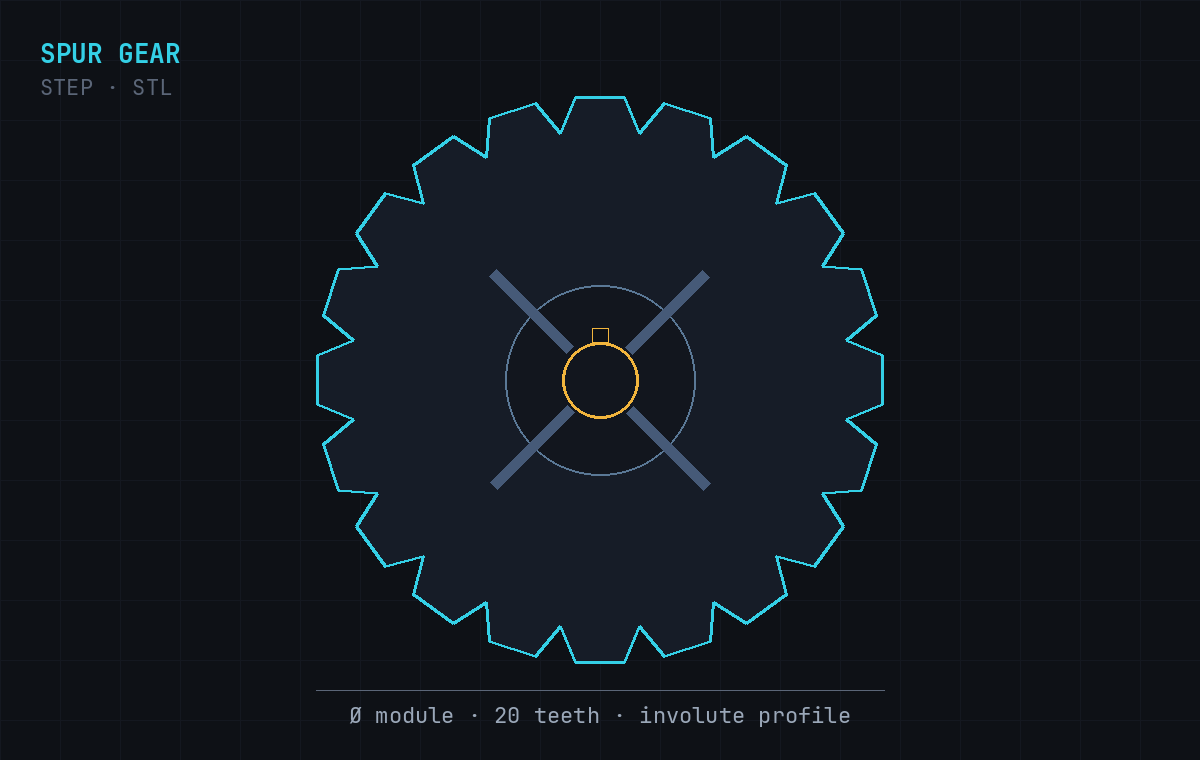
A complete, mechanically valid spur gear body — ready for CAD, CAM, or 3D printing.
True involute teeth
Tooth profile built from your module, tooth count, and pressure angle — not a rough approximation.
Bore & keyway
Center bore sized to your shaft, with an optional keyway or set-screw flat.
Hub & face width
Configurable face width and hub so the gear fits your assembly and load.
Editable STEP solid
A real B-rep solid you can open and modify in any CAD tool — plus STL for printing.
Mention any of these in your prompt — in words or numbers — and Cadfai applies them.
Describe it
Type the gear in plain English with any dimensions you care about.
Cadfai builds it
The prompt becomes a parametric 3D solid — usually in under a minute.
Download
Grab the STEP and STL files, or re-prompt to tweak dimensions.
Copy one, or write your own.
Every spur gear exports as a STEP file (a true B-rep solid for CAD and CNC) and an STL file (for 3D printing). STEP means you can edit, machine, and measure the part — not just print a shell.
Generate a gear →What file formats does it export?
Every spur gear is exported as a STEP file (a solid B-rep for CAD/CAM) and an STL file (a mesh for 3D printing). STEP is a true solid, not a mesh, so you can edit or machine it.
Which parameters can I specify?
Module or diametral pitch, number of teeth, pressure angle, bore diameter, hub, face width, and a keyway. Describe them in plain English and Cadfai builds the solid.
Is the tooth profile a real involute?
Yes — Cadfai generates an involute profile from the module, tooth count, and pressure angle you describe, producing a mechanically valid spur gear.
Is it free to use?
You can start free. Cadfai includes free prompts to generate and download models; top-up prompts and a Pro plan are available for heavier use.
Can I edit the gear afterwards?
Yes. Because the output is a STEP solid, you can open it in Fusion, SolidWorks, FreeCAD, or Onshape and modify it — or just re-prompt Cadfai with new dimensions.