Generate a compression spring.
Download the CAD file.
Describe a compression spring in plain English — wire diameter, outer diameter, free length, coils, pitch and end type — and Cadfai builds a real parametric solid you can download as STEP and STL in seconds.
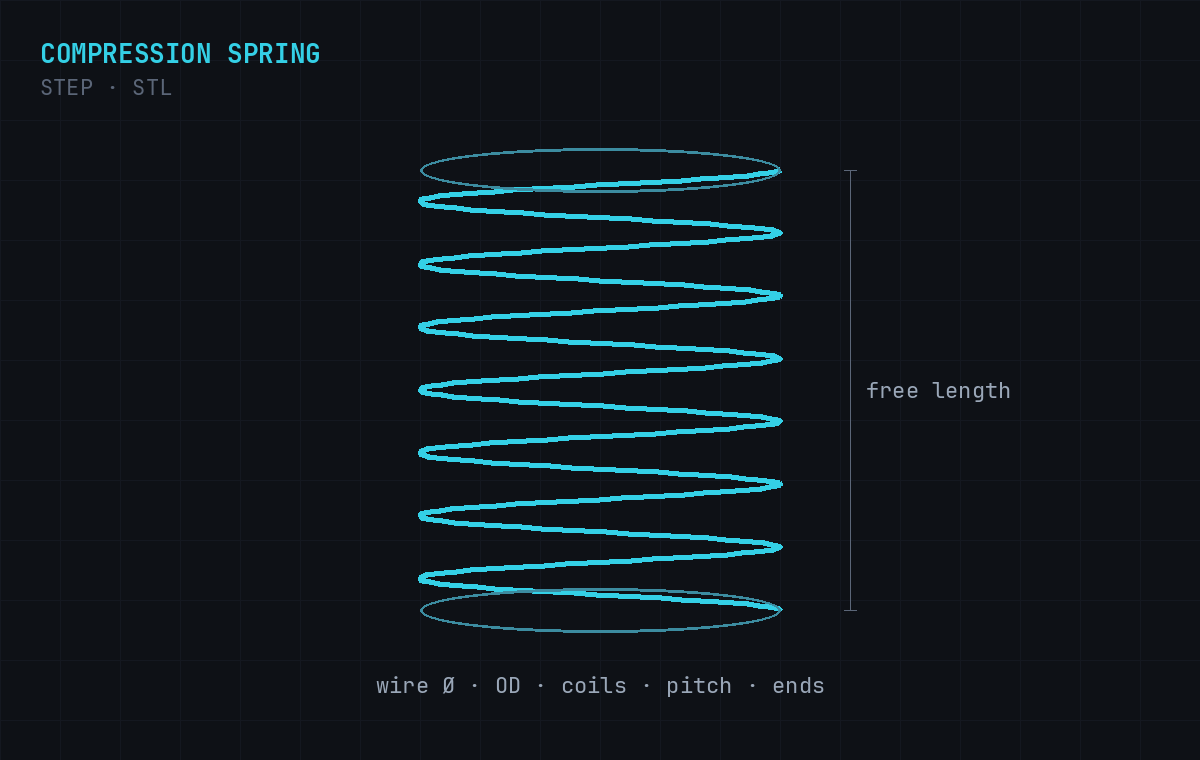
A complete, mechanically valid part — ready for CAD, CAM, or 3D printing.
Accurate coil geometry
Helix built from your wire diameter, diameter, pitch and coil count.
End conditions
Closed, open, ground or squared ends to match your spec.
Editable STEP solid
A true B-rep solid for CAD/CAM — plus STL for 3D printing.
mm or inch
Describe dimensions in whichever unit system you work in.
Mention any of these in your prompt — in words or numbers — and Cadfai applies them.
Describe it
Type the part in plain English with any dimensions you care about.
Cadfai builds it
The prompt becomes a parametric 3D solid — usually in under a minute.
Download
Grab the STEP and STL files, or re-prompt to tweak dimensions.
Copy one, or write your own.
Every model exports as a STEP file (a true B-rep solid for CAD and CNC) and an STL file (for 3D printing). STEP means you can edit, machine, and measure the part — not just print a shell. STEP vs STL →
Generate now →What file formats does the spring generator export?
Every compression spring is exported as a STEP file (a solid B-rep for CAD/CAM) and an STL file (a mesh for 3D printing).
Which spring parameters can I specify?
Wire diameter, outer or mean diameter, free length, total and active coils, pitch, end conditions (closed/open/ground), and hand.
Can it do closed and ground ends?
Yes — describe the end condition (closed, open, squared, or ground) and Cadfai builds the coil ends accordingly.
Is it free to use?
You can start free. Cadfai includes free prompts to generate and download models; top-up prompts and a Pro plan are available.
Can I 3D print the spring?
Yes — the STL export is ready for slicing. For functional metal springs, use the STEP file as a manufacturing reference.